This is a major update that includes many performance improvements, quality of life fixes, 8 new effects, a rewritten layer rendering engine, and a completely new and modernized FileType plugin system. Much of the work has gone into preparing the app for the features and functionality that will be coming in the big 6.0 version that will be coming later (starting with new blend modes and layer folders). There are also 8 new effects and experimental support for running on Wine.
New FileType Plugin System
The original FileType plugin system dates back to 2005 with the v2.5 release. It has withstood the test of time in the sense that it still works and has provided a lot of value for a lot of people, but it has also aged poorly in ways that have prevented progress in other areas of the app. It was written at a time when .NET itself was just 3 years old, and I had no clue that the project’s longevity would stretch so far into the future, nor that so many plugins would be developed.
The old FileType plugin system is tightly coupled with the Document, Layer, and Surface classes which Paint.NET also uses internally for UI and rendering purposes. They only support the 32-bit BGRA32 pixel format and a flat list of bitmap layers. The new FileType system works through interfaces such as IFileTypeDocument<TPixel> and ILayer<TPixel>, along with a rich and strongly-typed imaging framework providing support for a wide variety of pixel formats, pooled bitmap allocation, scaling/interpolation, quantization/dithering, format conversion, color management, and more.
Decoupling the FileType system from the internal classes means that these two systems can now evolve independently, and internal details can be abstracted away or hidden from plugins. The new plugin system has been designed to support graceful versioning, meaning that functionality can be added or changed in the programming interfaces that are provided to plugins while maintaining compatibility for plugins that have already been published. New layer types and topologies (e.g. layer folders) can be added without breaking existing plugins, new blend modes can (and will) be introduced, and bitmap layers can finally be migrated to a tiled storage system.
Note to plugin authors: In general, plugins should provide pixel data in the image file’s original format without converting it to BGRA32. In other words, let Paint.NET handle the conversion, whether you’re supplying pixels as RGBA64, BGR24, or even an HDR format such as RGBA FP16. Paint.NET will figure out the best conversion for pixel format and color profile handling, and when expanded pixel format support is rolled out your plugin can automatically benefit from it. Note that plugins can query at runtime which pixel formats are supported and which are native, in case they do want to do the conversion themselves for whatever reason.
New Plugin SDK available on NuGet
Both the Effects and FileTypes plugin systems have been modernized in recent years, but an easy to reference NuGet package was still missing. Now you can add a reference to the Paint.NET.Plugin.SDK package instead of manually typing out assembly references pointing at your local Paint.NET installation. Note that the classic/legacy plugin systems are not part of the SDK.
New Layer Rendering Engine
The old layer rendering engine has its roots going all the way back to the 1.0 release in 2004. Over the years it has migrated from C# to C for performance reasons, and then back to C# once the language and .NET’s JIT had finally caught up to (and surpassed!) the performance of the native C compiler’s code generation. However, it has no SIMD optimizations, it only has 8 bits of integer precision (“unsigned integer 8”, or “UI8” for short), and the code was very messy and difficult to maintain. Working with many layers can result in incorrect colors or banding artifacts as off-by-1 errors accumulate across multiple layers.
With 5.2, this has been completely rewritten and upgraded to use 32-bits of floating-point precision per channel (FP32). It is fully optimized for AVX2, AVX512, and ARM64 NEON thanks to .NET’s new platform-agnostic intrinsics support. Because FP32 uses a lot more memory bandwidth than UI8, many optimization tricks have been employed so that there is no perceptible performance reduction from previous versions (the old renderer not using any SIMD also helps this comparison). Performance really shines on CPUs with AVX512 support (e.g. AMD Zen 5) even with standard dual channel memory.
A driving factor behind this change was to prepare for future versions of Paint.NET that will expand pixel format support beyond BGRA32. In order to do this in a sane and maintainable manner, having a canonical pixel format became important so that each rendering kernel only needs to be written once. All of the rendering kernels can now operate exclusively on FP32 data, with high-performance format conversion and color transform kernels at the beginning and end of the rendering pipeline. This will make it much easier to add application-level support for high bit-depth formats like RGBA64, and HDR formats like RGBA FP16. The layer rendering engine already supports it, the rest of the app just needs to catch up.
HDR Tone Mapping Support
There are several standard file formats with support for HDR, including PNG, JPEG XL, AVIF, HEIC, and even JPEG XR. Previous versions of Paint.NET could load these images, but would not take into account the extended dynamic range — anything about 1.0 would be clamped, usually resulting in blown out colors. Sometimes the color space was not handled correctly either, resulting in other problems.
Paint.NET now has support for HDR metadata with the new FileType plugin system, and will apply HDR-to-SDR tone mapping as part of the loading process. Future versions will have native HDR support, at which point the automatic SDR tone mapping step will be removed.
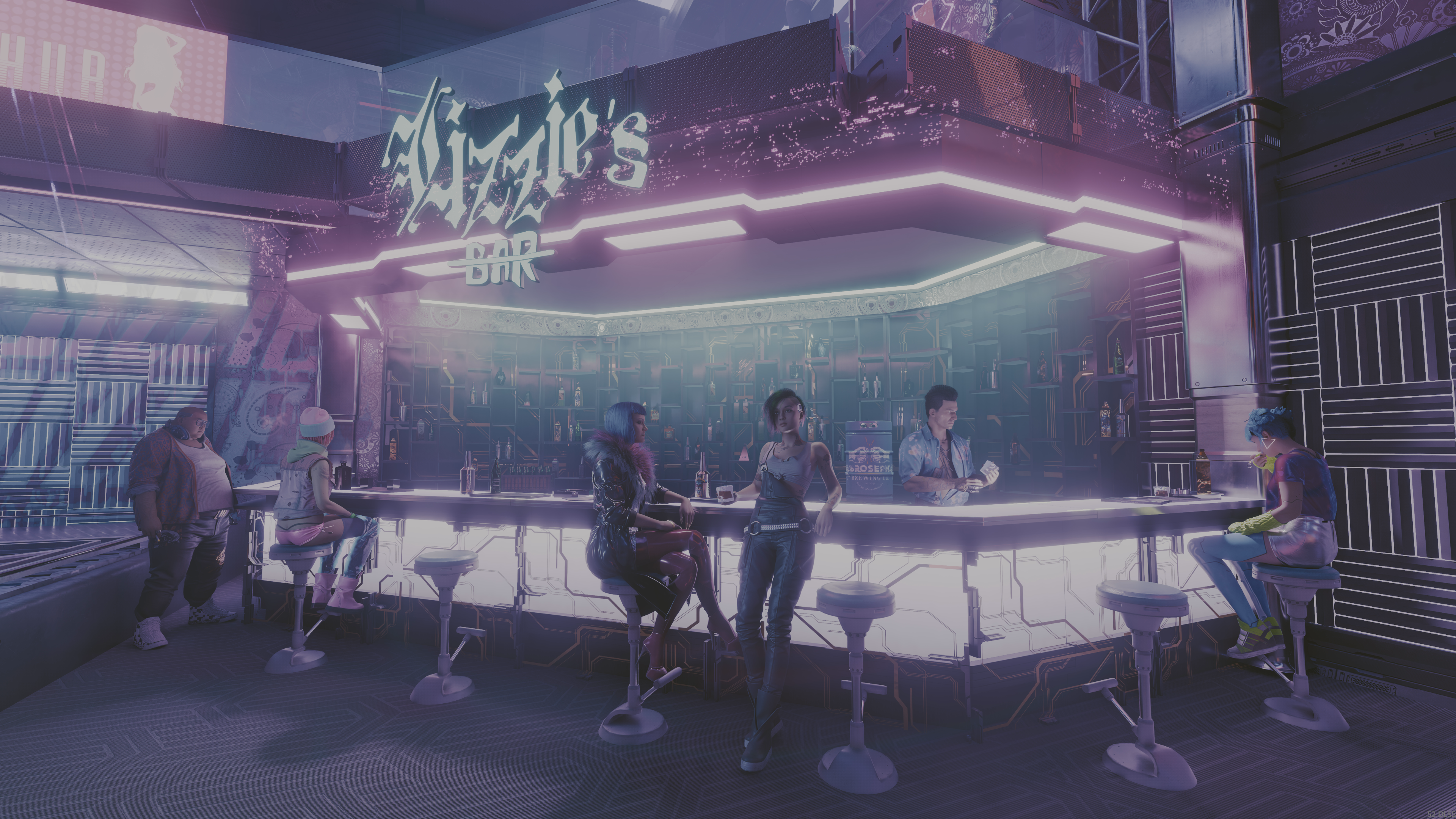
We can compare the results of Paint.NET v5.1.2 versus v5.2 with a screenshot from Cyberpunk 2077, which was taken with the help of SpecialK. This is how the HDR AVIF image file looks after being opened in each version of Paint.NET:


Paint.NET v5.1.2 (no tone mapping)
Paint.NET v5.2 (tone mapped to SDR)
Nearest Neighbor (Antialiased)
Available with the Move Pixels tool, this is similar to what some retro game emulators call “sharp bilinear.” It first uses Nearest Neighbor to upscale to the ceiling of the requested scaling factor (e.g. from 100% to 700% instead of from 100% to 632%), and then uses bilinear to downscale to the target scaling factor (700% -> 632%). This retains the blocky/pixelated look of Nearest Neighbor, but with the added effect of antialiased edges. This works for both scaling and rotation.

(credit: Stardew Valley)
New Effects
This release adds 8 new effects. These fill in the Artistic submenu, add some new dithering capabilities, two new distortion effects, and finally support for high-quality halftoning.
- Artistic -> Linocut
- Simulates a relief printmaking technique where an artist carves an image into a sheet of linoleum, rolls ink onto the raised surface, and then stamps it onto paper or fabric.
- Artistic -> Mosaic
- This is sort of like an expanded Pixelate effect with optional beveling and grout separation between the “pixels.” There are numerous tiling patterns to choose from.
- Artistic -> Pointilism
- Simulates a painting technique where an artist applies small, distinct dots of color next to each other to form an image.
- Artistic -> Stained Glass
- Simulates stained glass. Similar to Distort->Crystalize, but more fleshed out.
- Color -> Ordered Dither
- Simple ordered dithering patterns from the Bayer, Spiral, Dual Spiral, Blue Noise, and White Noise families.
- Distort -> Spherize
- Similar to Distort -> Bulge, but produces an actual spherical shape.
- Distort -> Waves
- A very configurable effect that can produce waves, ripples, spirals, flowers, and other shapes.
- Stylize -> Halftone
- Simulates physical printing, such as seen in newspapers or comic books, using either CMYK or black-and-white dots. The conversions between RGB and CMYK are color space aware and operate in linear gamma space when appropriate, resulting in a very high quality result.
Examples of each new effect:
Original
Linocut
Mosaic
Pointilism
Stained Glass
Ordered Dither
Spherize
Waves
Halftone
Experimental Wine Support
NOTE: This is not for the faint of heart! It is experimental and targeted towards early adopters who aren’t afraid of missing functionality, performance issues, crashes, and wrestling with dependencies. Calling it “pre-alpha” would be generous.
I’ve recently made major progress getting Paint.NET working on top of Wine, which means Paint.NET can now finally run on Linux and Mac. This is available as a separate package that you can download from a dedicated GitHub repository with its own Releases page and Issues tracker. Updates will be independent(-ish) of the main Windows packages, at least for the foreseeable future. Each new Windows release will be accompanied by a corresponding Wine release so that it doesn’t fall behind in functionality. I do not know when (or if) this will reach a stable and performant level of quality; I suspect that Wine will end up being a stepping stone towards something else, but we’ll see what happens.
What’s coming in 6.0?
The next big update will introduce a new .PDN file format that will finally remove the last barrier to adding new features to the document and layering systems. High bit-depth pixel formats, new blend modes, and layer folders are planned to be the first to take advantage of this. Later on, features such as adjustment layers, text layers, and HDR are also planned (to name just a few).
Change Log
Changes since 5.1.12:
- Updated to use .NET 11. Note that on Intel/AMD, having a CPU with SSE4.2 is now a hard requirement.
- Added experimental Wine support which enables Paint.NET to run on Linux and Mac. You can download builds on the Paint.NET-for-Wine GitHub page.
- New translation: Uzbek (uz)
- New: Paint.NET.Plugin.SDK NuGet package. You no longer need to manually add assembly references with paths that are hardcoded for your local system.
- New modernized FileType plugin system
- Support for a wide variety of pixel formats. The classic BGRA32 is of course available, as well as RGBA64, CMYK, or even HDR formats like RGBA FP16.
- Plugins can provide image data in HDR formats, which will be automatically tone-mapped and converted to BGRA32. Future versions of Paint.NET will support HDR natively and plugins will not need to be updated.
- Added CICP support for AVIF, JPEG XL, and PNG image files. This is also available for FileType plugins to make use of.
- Added HDR tone mapping support for AVIF, HEIC, JPEG XL, JPEG XR, and PNG. If the image file being opened is HDR then it will be converted to SDR in an appropriate manner. Eventually Paint.NET will have native support for HDR editing and this conversion process will be unnecessary.
- Rewritten and extensively optimized layer rendering engine
- Precision is significantly improved by using 32-bit floating point (FP32) instead of 8-bit integer (UI8). This eliminates certain types of artifacts and incorrect colors that can happen in the old renderer with multiple layers.
- Fully optimized for AVX2 and AVX512. Significant performance gains on systems with AVX512 support due to a high compute:memory ratio.
- Renamed Edit -> Copy Merged to Edit -> Copy Flattened.
- Significantly optimized the performance of copy-to-clipboard (Edit -> Copy and Edit -> Copy Flattened) by up to 95%
- Reduced temporary memory usage by 50% for Edit -> Paste into New Image.
- New: Paint Bucket and Color Picker now support holding Ctrl as a shortcut key for specifying Image sampling mode (aka “sample all layers”).
- New: The Eraser tool now supports selecting a Fill pattern in the toolbar.
- Improved: When using Image->Resize and “Maintain aspect ratio”, the rounding has been improved to reduce the aspect ratio error.
- Fixed a bug in the Move tools where shift-clicking on a side handle (north/south/east/west) would sometimes cause it to move on its own by 1-2 pixels.
- Fixed: The Colors window will no longer erase the hex field if an invalid character is typed.
- Fixed the tooltips in the File -> Open Recent menu by removing them (WinForms is just very buggy here). The directory paths are now shown on a second line of text instead.
- Renamed the “Move Selected Pixels” tool to “Move Pixels.”
- New: Added a “Nearest Neighbor (Antialiased)” resampling mode to the Move Pixels tool.
- Substantial performance improvements for larger images. Fluidity of zooming and scrolling is significantly better. A lot of lag, hitching, and even pausing has been entirely eliminated.
- Optimized the performance of the canvas when the zoom level is >100% so that it only requires 1 rendering pass. This will mostly help to reduce power usage on laptops.
- Improved the latency of the brush tool’s “preview cursor” by 1 frame.
- Added some extra digits past the decimal place for the zoom level in the status bar.
- Fixed a rare crash with the brush tools when adjusting the brush size. This crash could only be reproduced with external automation (e.g. macro record/playback with AutoHotKey).
- Fixed an issue when drawing a selection using the intersect combine mode that would make the selection disappear and cause other weird issues with history (undo/redo).
- Fixed a rare crash that could happen while switching tools while also changing the color
- Changed: The Move Selection and Move Pixels tools will now behave more intuitively when using constrained resizing (when holding shift). The aspect ratio that was used for a constrained resize used to be “locked in” when the selection was first drawn. The aspect ratio is now picked up when you start a constrained resize, and remembered until a non-constrained resize is performed.
- Renamed the Save Configuration dialog to Save Options.
- Fixed some cases of metadata not being preserved correctly.
- New: PNG tEXt/iTXt metadata is now preserved, which includes prompt and parameter information for images generated by Stable Diffusion et. al.
- Expanded and improved the imaging framework for plugins.
- Added Rgb64, Rgb64Half, and Rgb128Float pixel formats.
- Better support for a wider variety of color management transforms.
- New interpolation modes for bitmap scalers (BitmapInterpolationMode2).
- Channel extraction and channel replacement. This makes it easier to work with a variety of non-standard pixel formats (e.g. Gray+Alpha) that do not have direct support in the imaging framework.
- Support for generic 2-channel pixel formats (ColorGenericXY[16, 32, 32Half, 64Float]). These are meant to be used with the aforementioned channel extraction and replacement support.
- Support for alpha formats beyond 8-bits: 16-bit integer, as well as 16- and 32-bit floating point.
- Better CMYK pixel format support, which enables importing CMYK32, CMYKA40, CMYK64, and CMYKA80 images.
- Improved reliability of some GPU effects/adjustments on certain older or low-end systems.
- Fixed some RNG in the Frosted Glass effect
- Fixed: Circles and ellipses drawn with the Shapes tool, with a 1 pixel brush size, and without antialiasing, are now rendered symmetrically.
- Optimized the Median Blur effect by 10-50% depending on the selected quality value.
- Optimized histogram calculation for Levels and Auto-Levels by about 20%.
- The “classic” (aka legacy) effect plugin system is now fully deprecated. Old plugins will still continue to work forever, but new ones can no longer be compiled.
- The “classic” (now legacy) FileType plugin system is now at the first stage of deprecation. You can still compile old FileType plugins but you will see a warning at compile time. The next major app update will turn the warning into an error.
- Added ControlInfoPropertyNames.AutoPopulateFileTypes, which when set to true on a FileChooser-typed property will cause it to be auto-populated with all FileTypes (built-ins and plugins) (thanks @toe_head2001!)
- Adjustments to the install and update workflow so that it only requests UAC elevation when it’s actually necessary.
- Updated bundled AVIF FileType plugin to use the new FileType plugin system.
- Updated bundled DDS FileType Plus plugin to use the new FileType plugin system.
- The Save Options dialog will now remember the original file’s settings for the DDS format, mipmaps, and cubemaps.
- Updated bundled JPEG XL FileType plugin to use the new FileType plugin system.
- Updated bundled WebP FileType plugin to use the new FileType plugin system.
- Converted the SetupDownloader EXE from C# to C++, thus eliminating the last dependency on .NET Framework 4.8. This executable is used for the small “Any CPU” / “Web” installer.
- Fixed a scaling issue with the “compass” mouse cursor used by various tools (Move, Shapes).
- Fixed an uncommon cosmetic glitch with the selection outline when the selection quality is set to “pixelated”
- Fixed an ultra-rare hang that could happen after opening an image or when the “Committing changes” progress bar was at 70%.
Get the Update
There are a few different releases of Paint.NET:
-
Microsoft Store release (recommended)
- You can purchase it here. This helps fund development and is an alternative or supplement to sending in a donation. In addition, updates happen automatically in the background when you’re not using the app.
- If you already have it installed, the update should happen automatically once Microsoft certifies the update, usually within the next day or so. To get the update immediately (once it’s certified), you can follow the instructions listed here.
-
Classic Desktop release
- Download the installer from the website. This is the recommended download if you don’t have Paint.NET installed. It can also be used to update the app.
- If you already have it installed, you should be offered the update automatically within the next few days, but you can also get it immediately by going to ⚙ Settings -> Updates -> Check Now.
- Offline Installers and Portable ZIPs are available over on GitHub.
- For the experimental Wine packages, you can download them over here.